
Seamless session & speaker management
Swapcard + Sessionboard Integration
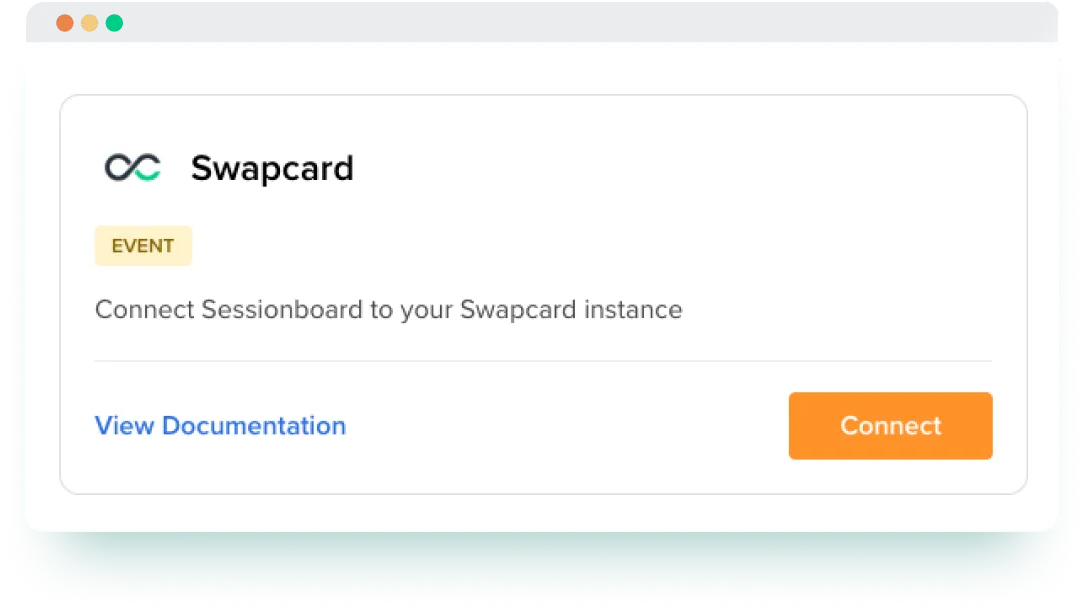
Streamline your process for collecting, reviewing, and publishing event content. Sync approved sessions and speaker information from Sessionboard directly into Swapcard to keep your agenda accurate and up to date across web and mobile.


Why Integrate Swapcard with Sessionboard?
Swapcard is a comprehensive event engagement platform that helps organizers manage registration, networking, sponsorship, and analytics across web and mobile app. Sessionboard streamlines session and speaker workflows, replacing spreadsheets with dynamic submission forms, AI-powered evaluations, and speaker portals. When integrated, they simplify your session planning and ensure accurate content delivery across your event experience:
- Centralize your content workflow. Collect abstracts, review submissions, finalize sessions, and approve speaker materials in Sessionboard. Everything syncs automatically to Swapcard.
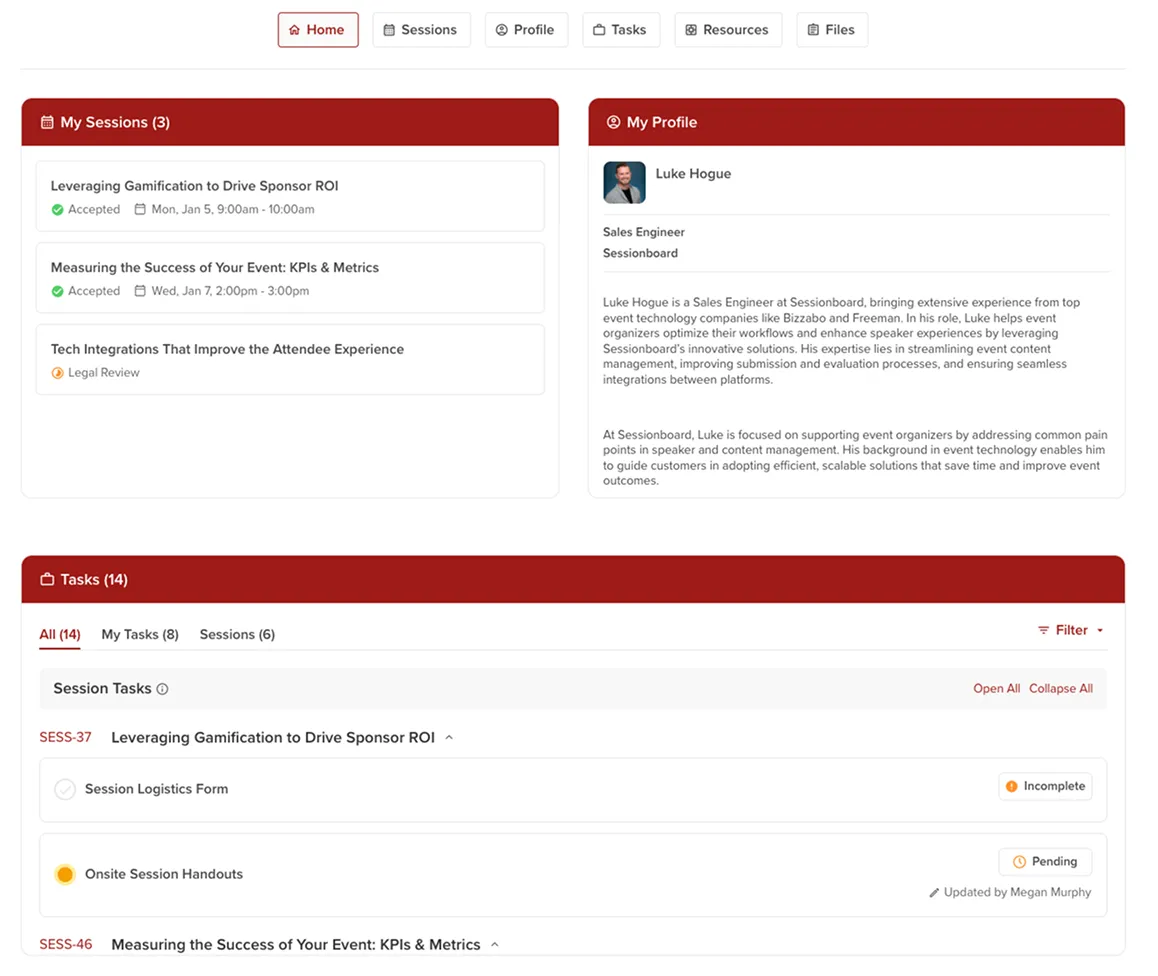
- Collaborate effectively with speakers. Speakers can upload bios, headshots, and presentation files through personalized portals in Sessionboard, with automated reminders to ensure on-time delivery.
- Eliminate manual work. Avoid time-consuming tasks like copying, pasting, and uploading files. Approved data flows directly into your Swapcard agenda.
- Keep your agenda accurate. Enable continuous sync to reflect updates—schedule changes, room assignments, speaker edits—in Swapcard in real time.
- Deliver a polished attendee experience. Attendees see updated session details, rich speaker profiles, and presentation files within the Swapcard app and web platform.
What the Integration Enables
- One‑way content sync – Approved sessions, speaker bios, photos, and presentation files flow automatically from Sessionboard to Swapcard.
- Automated call-for-papers workflows – Create and manage submission forms with metadata, limits, and statuses to streamline session proposal collection.
- AI-powered evaluations – Use weighted rubrics and AI scoring to review submissions faster and more consistently.
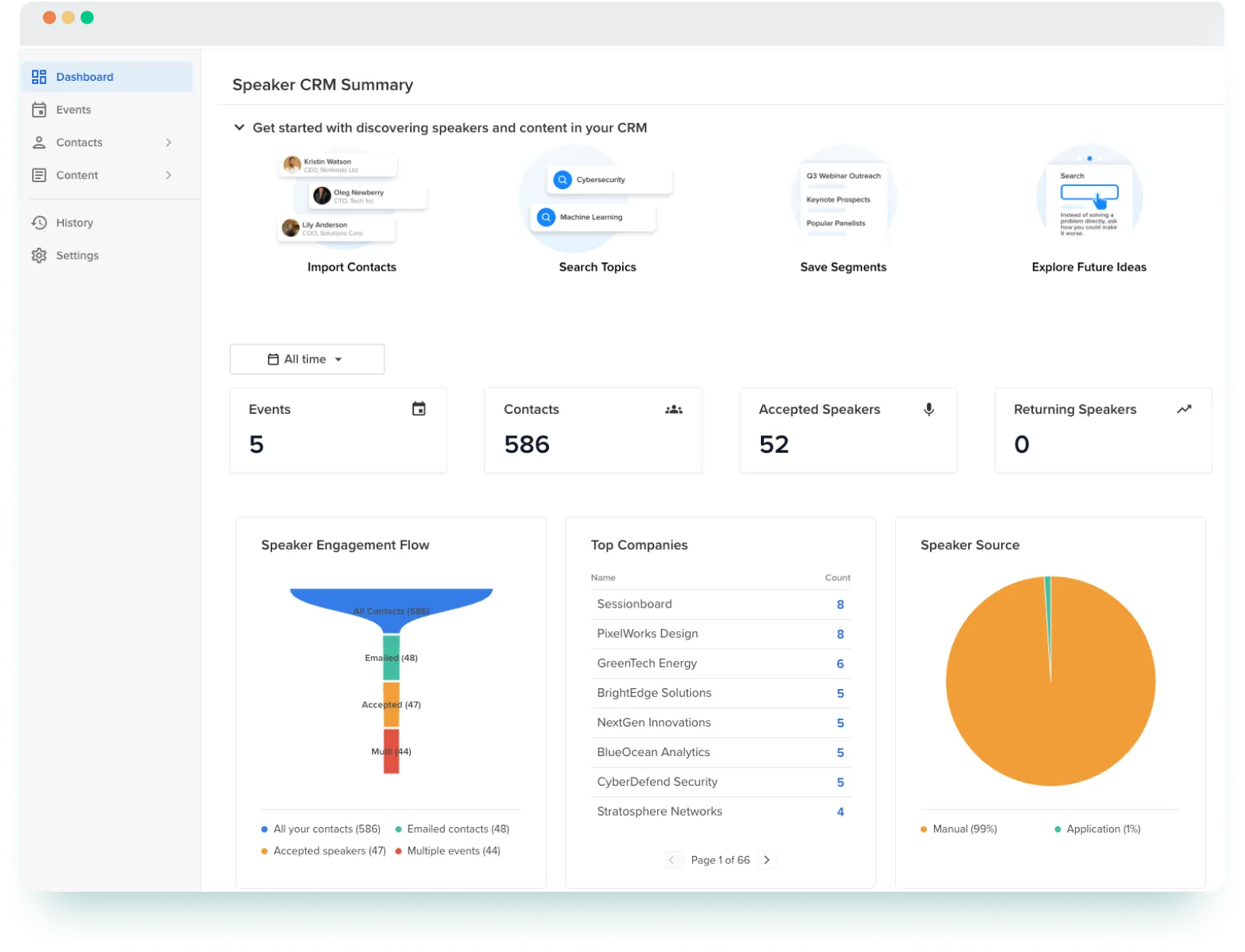
- Speaker CRM – Track speaker history and expertise across events; filter by company, topic, or location to find the right fit.
- Speaker portals – Provide speakers with personalized dashboards to upload bios, headshots, and slides, along with automated reminders.
- Agenda builder – Build and manage schedules in Sessionboard; once complete, sessions sync to Swapcard automatically.
- Speaker-as-user option – Optionally create speaker accounts in Swapcard for access to their session profile and event engagement tools.
How It Works
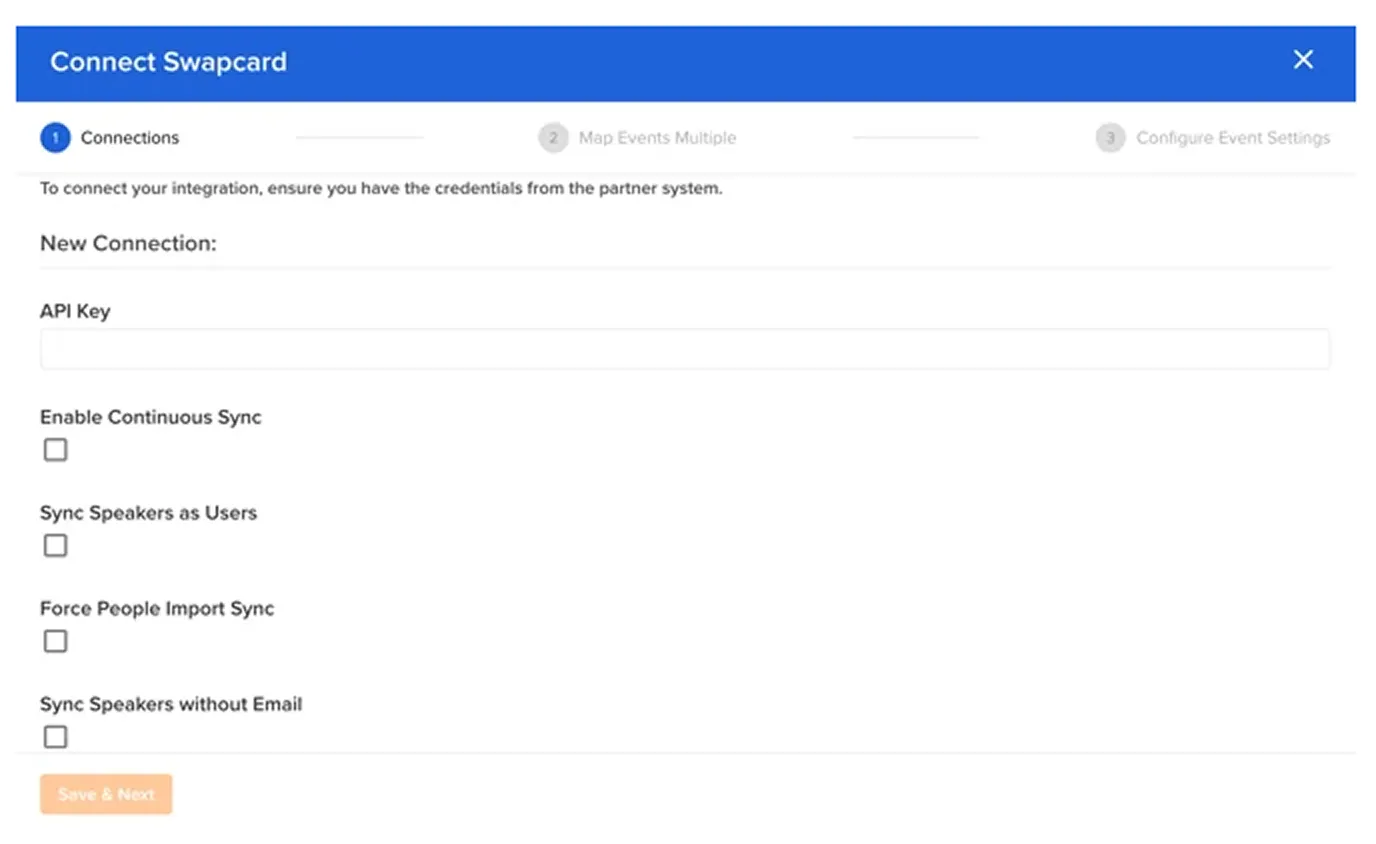
- Connect Sessionboard to Swapcard. In Sessionboard, enter your Swapcard API key, event name, and event ID to map your Sessionboard event to the correct Swapcard event.
- Start synchronization. From Sessionboard, click ‘’Sync to Swapcard’’ on the Agenda screen. Approved sessions and speakers appear instantly in your Swapcard agenda.
- Configure your sync. Enable continuous sync so that updates in Sessionboard, such as schedule changes, new speakers, or revised presentation files, are automatically reflected in Swapcard.
Use Cases & Benefits
Why Event Organizers Love Sessionboard Integration with Swapcard
- Fast activation – Connect Sessionboard and Swapcard in minutes, with no technical expertise required.
- Real-time accuracy – Continuous sync keeps session and speaker data current across Swapcard’s web and mobile app.
- Time saved, teams focused – Eliminate spreadsheets and manual entry so teams can focus on engagement and revenue.
- Stronger speaker coordination – Speakers stay on track through personalized portals and automated reminders.
- Higher-quality sessions – Leverage AI-assisted evaluation tools to efficiently score content and enhance session quality.
- Centralized communication – Streamline collaboration with speakers and AV teams on a single platform.
- Fewer tools, tighter workflows – Integrating Sessionboard with Swapcard replaces multiple tools with a single workflow for speaker and session management.
- Seamless attendee experience – Provide a polished agenda with up-to-date session details and rich speaker profiles inside Swapcard.
“Our partnership with Swapcard is designed to drastically improve the lives of organizers, evaluators, and speakers—reducing tools, improving communication, and saving hundreds of hours per event.”
— Chris Carver, Co-founder & CEO of Sessionboard
Frequently asked questions about the Sessionboard and Swapcard integration
What does the integration between Sessionboard and Swapcard manage?
.svg)
.svg)
Sessionboard manages session proposals, speaker profiles, evaluations, and content collection. Swapcard handles registration, networking, agenda display, speaker visibility, sponsorships, and analytics—using data synced directly from Sessionboard to keep your event content accurate and up to date.
How do I connect Sessionboard with Swapcard?
In Sessionboard, go to Settings → Integrations and enter your Swapcard API key. Map your event and select sync options.
Do I need a separate Sessionboard account to use this integration?
Yes. You need a Sessionboard subscription and access to Swapcard’s platform. The integration itself is included at no extra cost, but some advanced features (like continuous sync or speaker‑as‑user) may depend on your plan.
Can I update sessions or speakers after they are synced?
Yes. Continuous sync pushes updates from Sessionboard to Swapcard automatically. Deleting sessions or speakers must be done manually in Swapcard.
How does this integration improve ROI?
It saves time, reduces errors, and frees teams to focus on high-impact tasks like sponsorship sales and audience engagement, ultimately increasing revenue and event success.

Easily integrate & unify your data
Seamlessly connect your essential event tools and unlock the power of unified data to make data-driven decisions that enhance event success and foster long-term growth.

“Swapcard helped us with the integration of data across our different business units...has helped my team save 2 weeks of work per event.”

Patrick Shields
Director of Customer Success, Informa Tech
Schedule live demo
By submitting this form, you agree to receive periodic emails on insightful content related to events and our product, and in accordance with our Privacy Policy. You can, of course, change your preferences or unsubscribe at any time.

.svg)


.svg)
.svg)
.svg)
.svg)


