

EVENT CONTENT MANAGEMENT
Powerful content & session management for any event format
Deliver sessions that captivate attendees and streamline operations with speaker management, real-time engagement, and on-demand access in one integrated event content management platform.


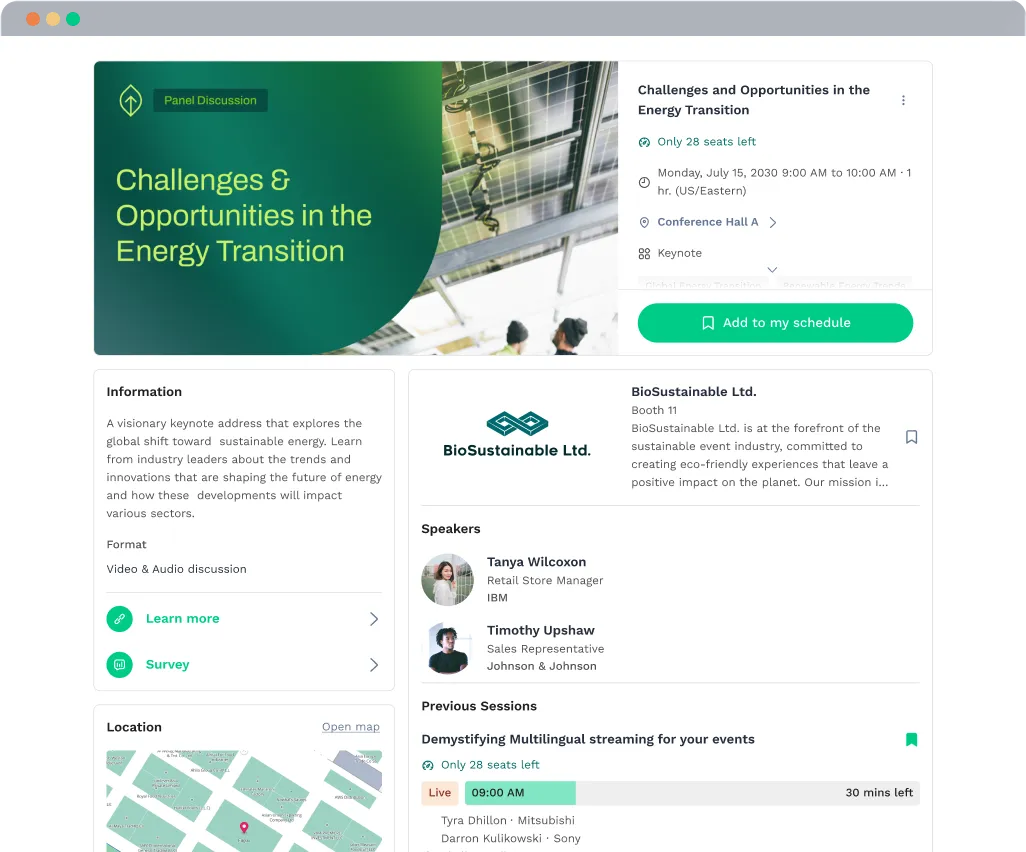
Coordinate event content, speakers & sessions seamlessly

Simplify abstract, speaker & content management without spreadsheets.

Effortlessly create session & agenda schedules with an intuitive interface.

Manage multiple parallel sessions, documents, and posters; easily accessible for every attendee.

Track onsite attendance with precision using SwapAccess and real-time dashboards.

Manage private & limited sessions to deliver exclusive attendee content.

Stream live & pre-recorded sessions with built-in flexible options.

Coordinate with speakers backstage privately to prepare and communicate.

Facilitate engaging roundtables for interactive small-group conversations.

Centralize and simplify your content & speaker information

Add event content via interface, upload, or third-party tool.
Natively integrate with abstract event management tools to include call-for-speakers and review processes.
Quickly update content at any stage of your event.
Send emails and notifications directly to speakers.

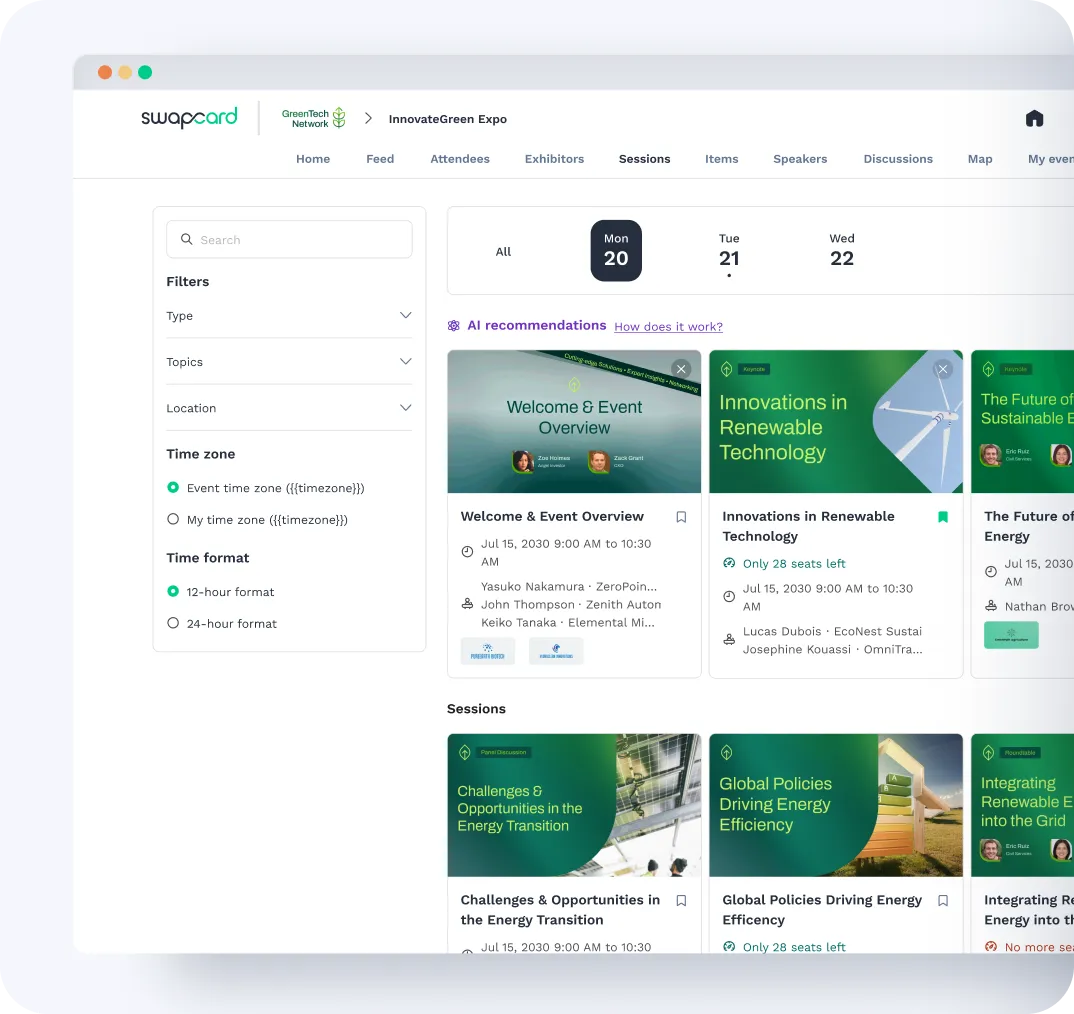
Quickly design & manage your event schedule with an intuitive interface
Create sessions via interface, upload, or third-party tool.
Organize and filter by track, topic, similar sessions, or format.
Add speakers, moderators, rooms, and custom fields.
Control visibility by segments, including ticket type, membership, and badge access.
Instantly sync your schedule to your website and on-site screens.
Make session materials easy to find & understand
Attach slides, PDFs, videos, and add external links.
Include speaker bios, learning materials, and sponsored content.
Translate sessions and provide transcripts in real-time.
Suggest relevant sessions with AI, and autoplay mode.
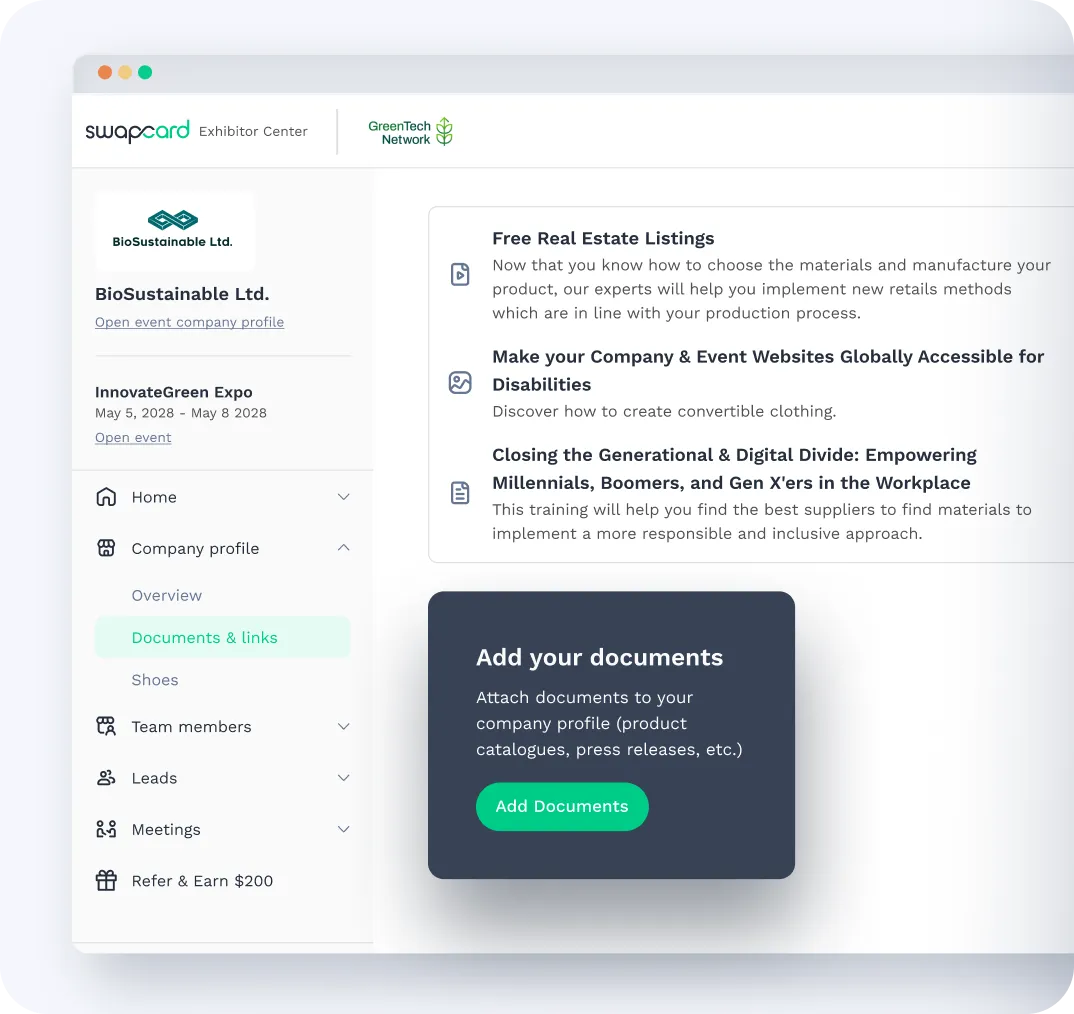
Personalize experiences by managing who sees what


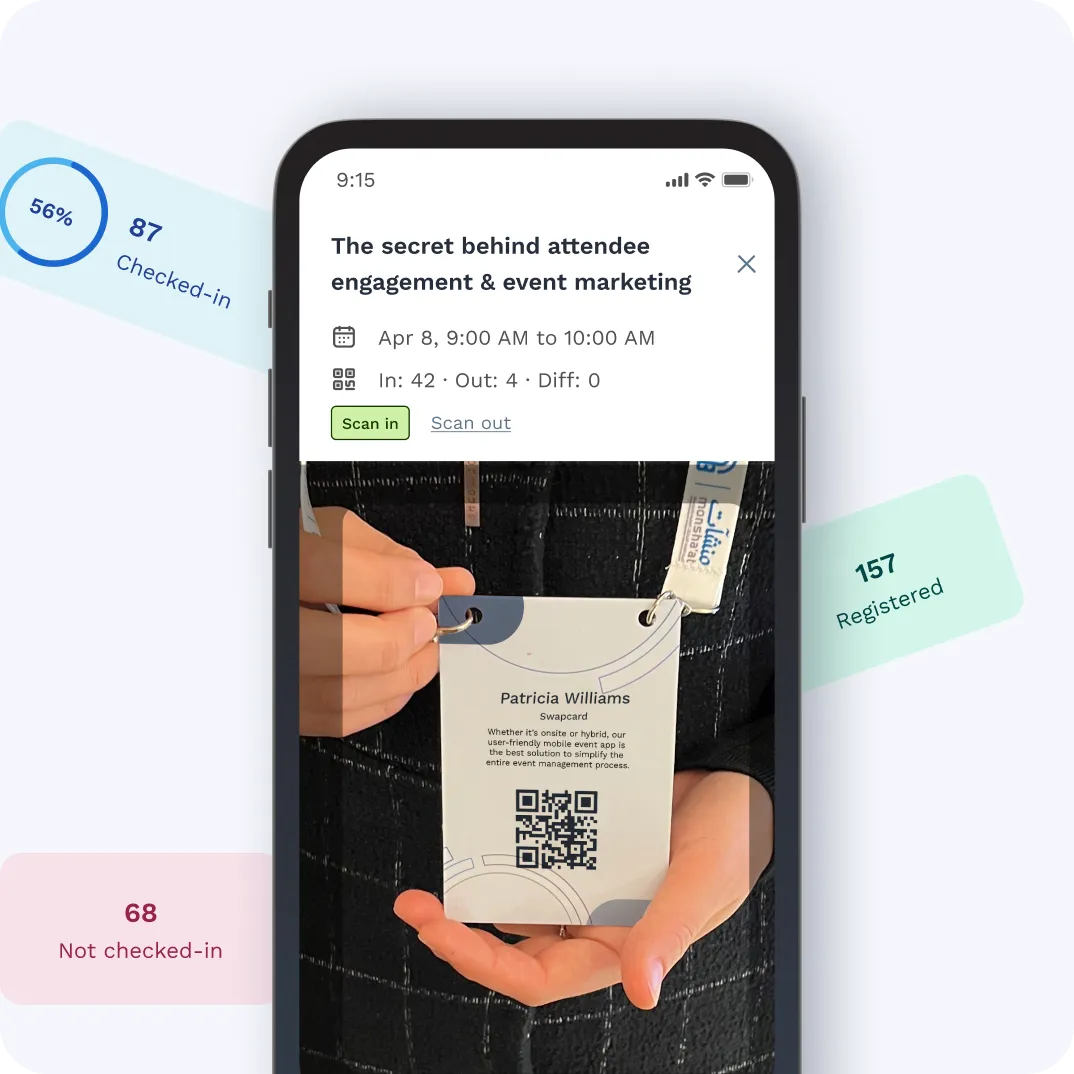
Track attendance and engagement with precision
Use attendee QR code to check in and track event attendance for every session.
Streamline CE credit management and compliance logs.
Track session attendance down to the minute.
Access real-time dashboards and export reports instantly.
Showcase the experts who make your sessions shine
Add custom bios with photos, titles, company info, and social links.
Connect speakers to their sessions for visibility and access.
Allow speakers to manage their own profiles securely.
Improve discoverability with SEO-friendly speaker listings.
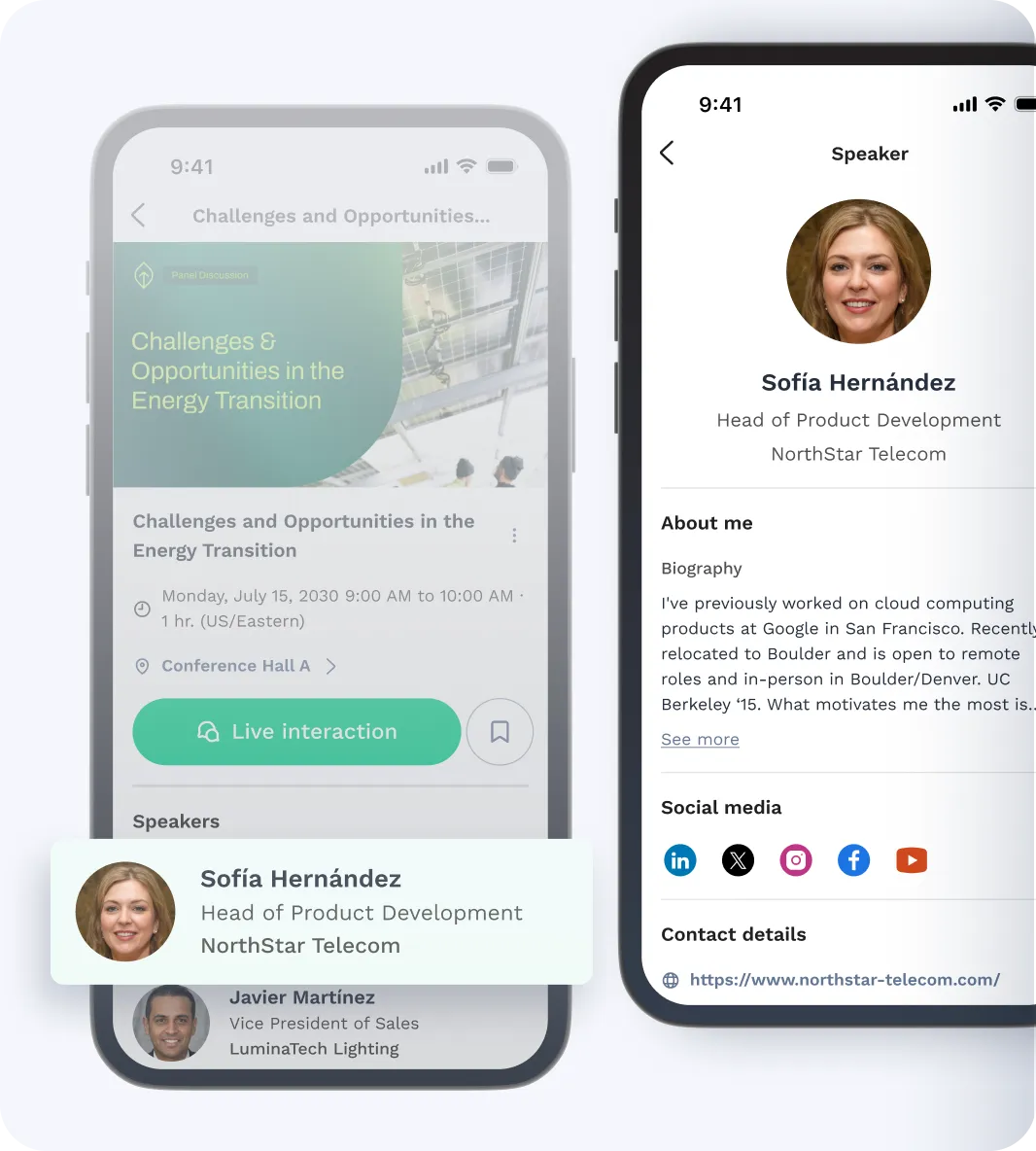
Extend the power of your agenda beyond the platform
Create new touchpoints for attendees to discover, plan, and engage with your event content from the moment they land on your website, landing pages, and anywhere else your audience browses.
Embed branded agenda widgets directly onto your event or marketing website.
Showcase live session info, speakers, and time zones in real time.
Customize look and feel to match your event branding.
Drive registration and session attendance by surfacing key content early.
Always up to date with no manual updates or duplicate content management.
Stream sessions exactly how you want
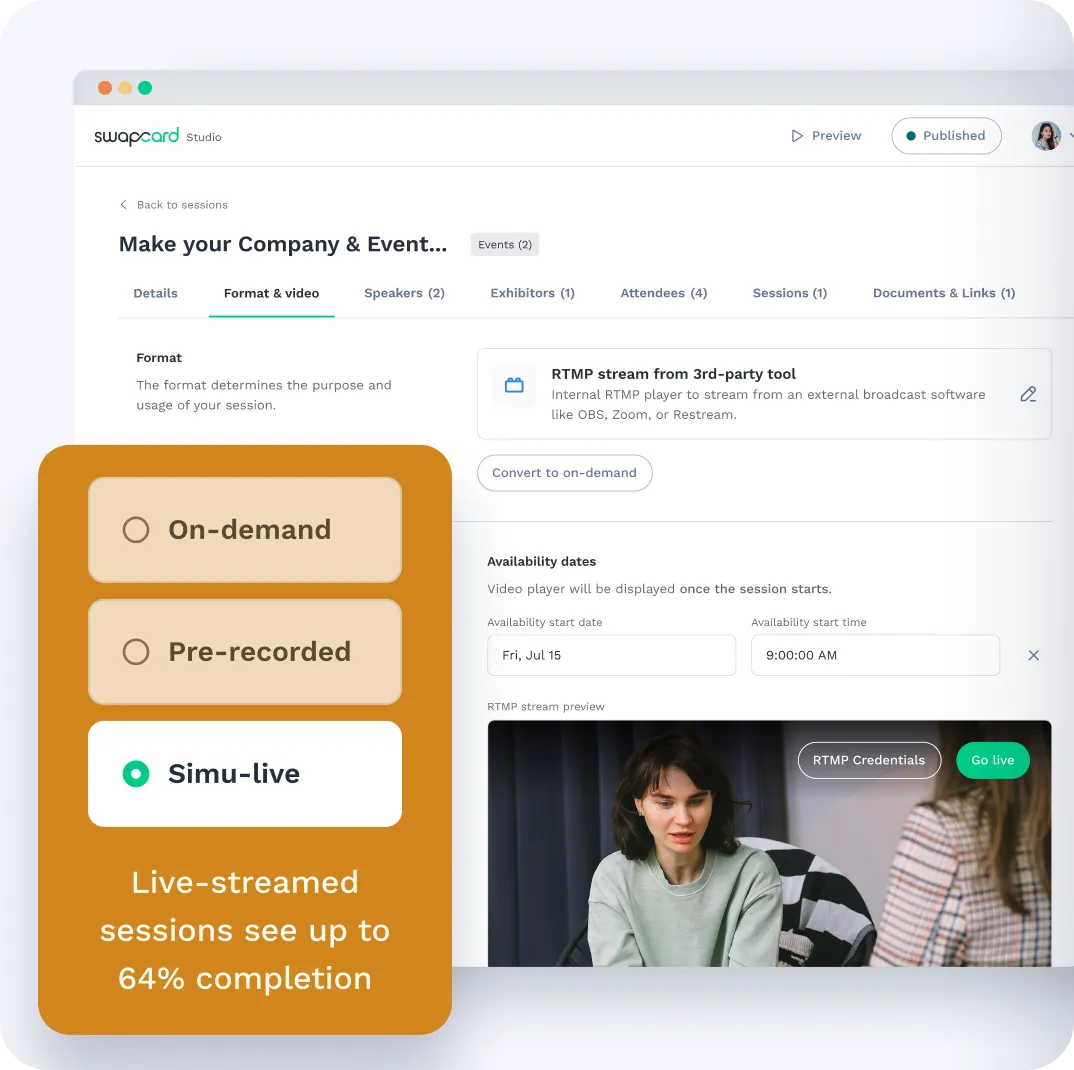
Broadcast live, simulate live or use pre-recorded content.
Supports YouTube, Vimeo, RTMP, or native Swapcard player.
Record sessions for convenient on-demand replay.
.webp)
Run flawless livestream sessions with a behind-the-scenes control room
Manage your livestream with our easy-to-use interface:
Test video, audio, and screen-sharing to avoid any tech issues.
Coordinate screensharing, moderation, and transitions.
Quickly go from livestream to pre-recorded content.
Drive real-time interaction inside every session
Enable or disable chat, polls and Q&A for sessions.
Launch live polls and display full-screen results.
Collect and upvote audience questions.
Integrate with third-party tools with simple embed.
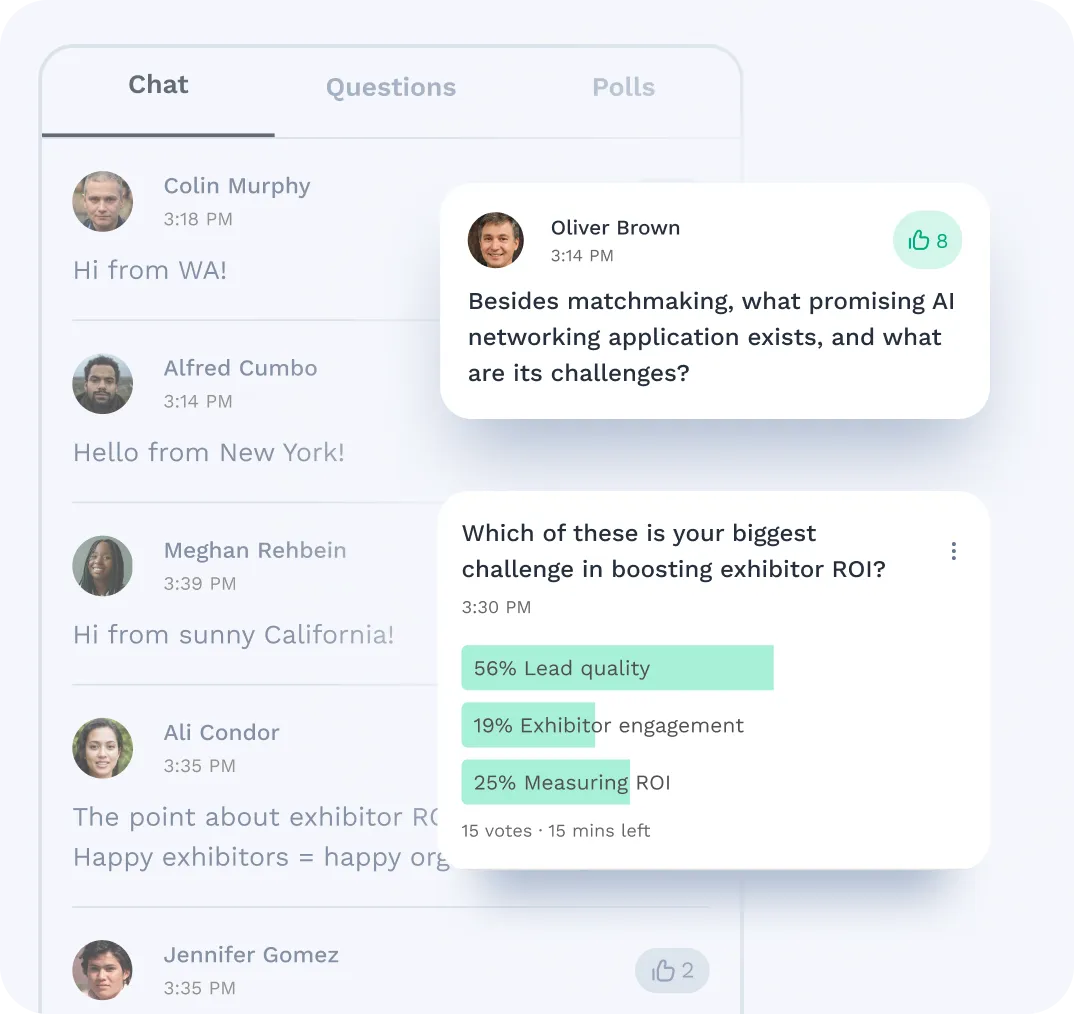
Enable deeper discussion before, during, & after sessions
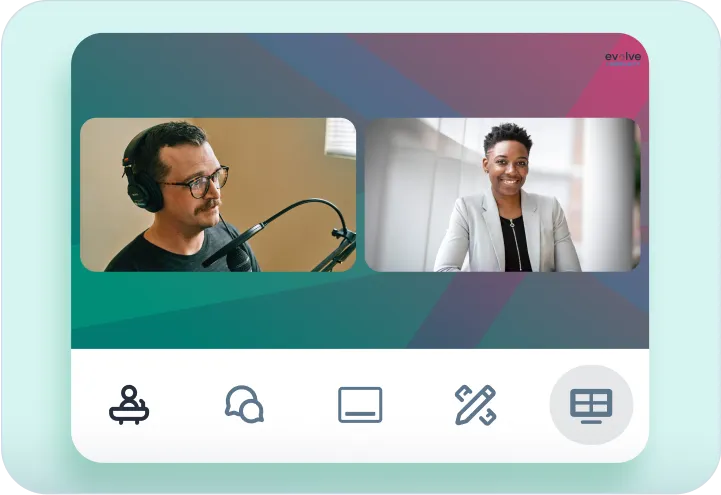
Host small-group roundtables for high-impact conversations
Easily manage breakout sessions, sponsor meetings, and peer discussions. Provide video, screen sharing, and collaborative documents.
Host engaging roundtables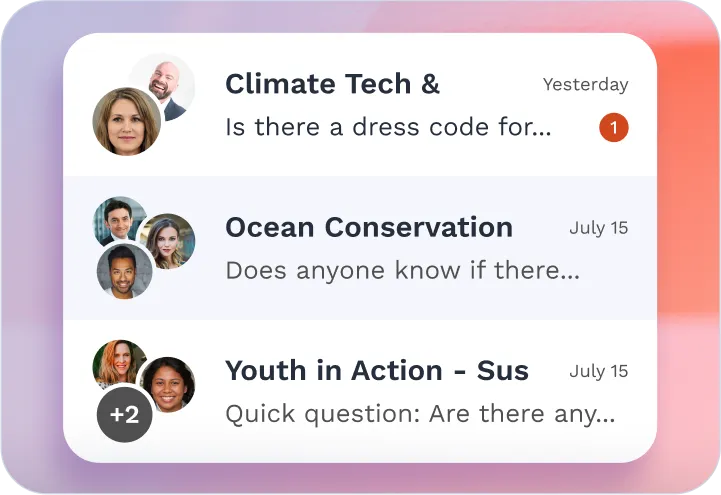
Create session or topic-specific chat rooms for group discussions
Pin messages, tag participants, and share media to boost engagement. Link chats to sessions or your event homepage for targeted audiences, with organizer moderation.
How to use group chats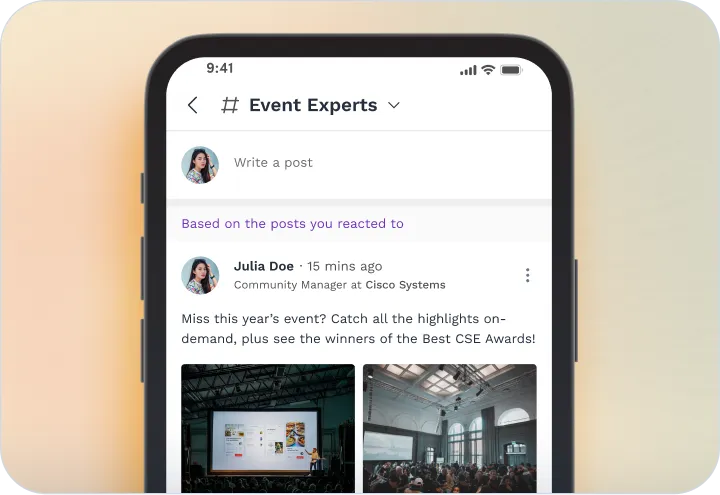
Keep your audiences informed in real-time in the event feed
Share session reminders or updates, and highlight trending or sponsored content. Set posting permissions, and enable notifications for new activity.
Stay connected with newsfeedFrequently asked questions about event content management
Whether you're organizing a trade show, annual meeting, or multi-track conference, this FAQ addresses the most common questions about Swapcard’s event content and session management capabilities, helping you plan smarter, run smoother, and deliver a better attendee experience.
What is event content management?
.svg)
.svg)
Event content management is the process of planning, organizing, delivering, and tracking all session-related content at an event. This includes managing session formats, speakers, abstracts, documents, and engagement tools like polls and chat. Swapcard helps event organizers manage all of this from a single platform, reducing complexity and enhancing the attendee experience.
When can I use event content management?
You can use event content management for any type of event: in-person, virtual, or hybrid. It ensures your team delivers the right content, in the right format, at the right time. Whether you're managing speaker bios, session descriptions, live updates, or content playback, a centralized content management platform keeps everything consistent, up-to-date, and aligned with your event goals.
Can I manage speaker submissions and abstracts in Swapcard?
Swapcard offers a built-in abstract and speaker management workflow. You can collect submissions, assign reviewers, track approvals, and automatically publish accepted content to the agenda, without using spreadsheets or third-party tools.
How does Swapcard help improve session engagement?
Swapcard drives higher engagement through personalized session recommendations, built-in live chat, Q&A, polls, and group discussions. Speakers can also interact with event attendees through backstage chat and post-session follow-ups, helping attendees feel more connected and involved.
Can I track attendance and offer CE credits or certificates?
Using SwapAccess, you can track who attended each session, how long they stayed, and export the data for CE or compliance reporting. It supports NFC check-in via kiosks or mobile devices, with real-time dashboards for easy monitoring.
Can I restrict access to specific sessions or content?
Swapcard supports private and limited sessions, allowing you to control access based on ticket type, membership level, badge, or invitation. This is ideal for VIP tracks, sponsored sessions, or member-only education.
Does Swapcard support live and pre-recorded streaming?
Swapcard’s event management platform supports fully live sessions, simulated live (pre-recorded with a live broadcast feel), and on-demand content. You can embed video from Vimeo, YouTube, or stream via RTMP. Everything is built into the platform—no third-party tools required.
Can attendees access session content after the event?
All session recordings, documents, and links can be made available on-demand through your branded content hub. This extends the value of your event, supports year-round learning, and improves ROI from your programming.


Turn session engagement into lead generation
Session content is more than just educational—it's one of the top drivers of engagement, generating 1 in 4 digital leads. Leverage Swapcard to effortlessly capture, track, and monetize every session interaction to drive real ROI.
Schedule live demo
By submitting this form, you agree to receive periodic emails on insightful content related to events and our product, and in accordance with our Privacy Policy. You can, of course, change your preferences or unsubscribe at any time.


.svg)

.svg)
